Why Your eBay Listings Aren't Selling (And How Computer Vision Can Fix It)
If your eBay listings are getting views but no sales, or worse, no views at all, the problem isn't your pricing or your products. It's your listing quality. Here's a diagnostic guide to the three most common listing failures, and how AI Vision technology fixes each one automatically.
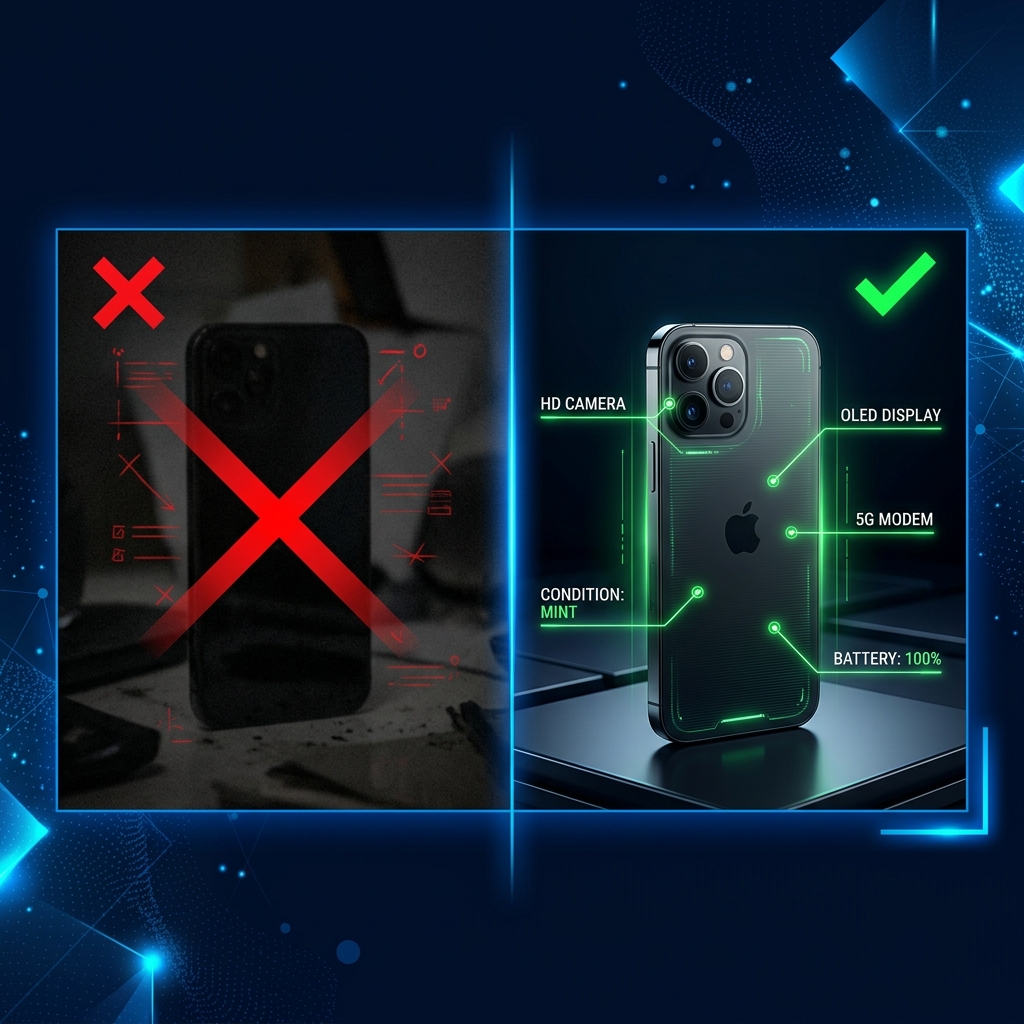
Your Products Are Fine. Your Listings Are the Problem.
Every week, thousands of eBay sellers ask: "Why aren't my items selling?" The answers are usually vague. But in most cases, the reason is that buyers never see them. Your listings aren't appearing in search results because they fail to meet the quality signals that eBay's Cassini search algorithm requires.
eBay has published guidance stating that listings with complete Item Specifics receive up to 12% more impressions than those without. And optimised titles generate 2-3x more clicks than generic ones.
Failure #1: Your Titles Are Wasting Characters
eBay gives you 80 characters for your title. Most sellers use fewer than 50.
What Bad Titles Look Like
- "iPhone for sale"
- "Samsung Galaxy S24 — BARGAIN!!!"
- "Laptop computer good condition works great"
These titles waste characters on filler words, miss critical specs, contain no buyer search terms, and use unprofessional ALL CAPS.
What Optimised Titles Look Like
- "Apple iPhone 15 Pro Max 256GB Natural Titanium Unlocked Excellent Condition"
- "Samsung Galaxy S24 Ultra 512GB Phantom Black 5G Dual SIM Used Very Good"
How AI Fixes This
Vision AI reads manufacturer labels, model numbers, and physical characteristics directly from the image and generates a title using the format Cassini rewards: [Brand] [Model] [Key Specs] [Colour] [Condition]
Failure #2: Your Item Specifics Are Incomplete
Item Specifics power eBay's filtered search. When a buyer filters by "256GB" storage and "Unlocked" network, only listings with those values appear.
The Scale of the Problem
| Item Specific | Required? | Typically Filled? |
|---|---|---|
| Brand | Yes | ✅ Yes |
| Model | Yes | ✅ Yes |
| Storage Capacity | Yes | ⚠️ Sometimes |
| Colour | Yes | ⚠️ Sometimes |
| Network | Yes | ❌ Often skipped |
| Operating System | Recommended | ❌ Usually skipped |
| Screen Size | Recommended | ❌ Usually skipped |
| Processor | Recommended | ❌ Usually skipped |
| RAM | Recommended | ❌ Usually skipped |
| Connectivity | Recommended | ❌ Usually skipped |
A listing with only Brand and Model competes against listings with 12-15 specifics. Cassini gives preference to the more complete listing every time.
How AI Fixes This
Vision AI identifies the product and infers the full specification sheet from the model. When the AI recognises an "iPhone 15 Pro Max", it knows the screen size, processor, connectivity, and features — and fills in every field automatically.
Failure #3: Your Descriptions Don't Convert
What Bad Descriptions Look Like
"Good condition. Works fine. Comes with charger. No returns."
This tells the buyer almost nothing useful.
What Professional Descriptions Include
- An overview paragraph — Persuasive summary of key selling points
- A specification table — All specifics in a clean, scannable format
- A features list — Top capabilities highlighted
- Condition details — Explicit, honest description of any wear
- Shipping and returns information — Clear policies that build confidence
How AI Fixes This
The AI generates complete HTML descriptions with professional styling, spec tables, and structured sections. The difference between "works fine" and a professionally formatted listing is often the difference between a £15 sale and a £25 sale.
The Hierarchy of Truth: How Vision AI Actually Works
The system follows a strict priority order:
Priority 1: Printed Manufacturer Data
Labels, chassis markings, screen readouts, and barcodes. The most reliable source.
Priority 2: Handwritten or Attached Notes
Sticky notes or handwritten labels in the photo. The AI reads and incorporates these.
Priority 3: User-Provided Context
Any notes you type when uploading, like "Comes with original box" or "Screen has a small scratch".
This hierarchy ensures the listing is grounded in physical evidence, not assumptions.
A Before-and-After Comparison
Before (Manual Listing)
Title: "Samsung phone for sale good condition" (40 chars) Item Specifics: Brand: Samsung, Model: Galaxy S24 Description: "Good condition Samsung phone. Works fine. Selling because I upgraded."
After (AI-Generated Listing)
Title: "Samsung Galaxy S24 Ultra 256GB Titanium Black 5G Unlocked Excellent" (70 chars) Item Specifics: 13 of 15 fields completed Description: Professional HTML with overview, spec table, feature highlights, condition notes, and shipping policy footer.
The result: The AI-generated listing appears in 8x more filtered searches and commands a higher sale price.
What To Do Right Now
If your listings aren't selling, don't lower your prices. Fix your listings.
- Audit your titles — Are you using 70-80 characters with buyer search terms?
- Check your Item Specifics — How many recommended fields are you filling in?
- Read your descriptions — Would you buy from a listing with this description?
List Product Fast analyses your product photos using Vision AI, extracts every detail, and generates complete, SEO-optimised listings ready for eBay. No manual data entry. No missed specifics. No thin descriptions.
Want to understand the full AI workflow? Read our guide on how AI optimises eBay listings for maximum visibility.
Ready to list faster?
ListProductFast was built specifically to eliminate manual entry so you can scale.